The most common trap for anyone exploring smart home technology is buying novelty items: color-changing bulbs for the ceiling, Wi-Fi coffee warmers, or app-controlled power strips. Within a few weeks, almost everyone reverts to flipping mechanical switches by hand.
The failure usually comes down to treating your smartphone like a universal remote. Unlocking a phone, opening an app, waiting for a device list to load, and tapping an on-screen toggle takes five to ten seconds. Flipping a wall switch takes half a second. A truly functional smart home is built on ambient automation, lights turning on when you enter, turning off when a room is vacant, and running locally even if your home broadband goes down.
You do not need to rewire your entire home or spend thousands of dollars to get that level of reliability. Getting three foundational devices right will transform your daily routine without creating friction for family members or guests.
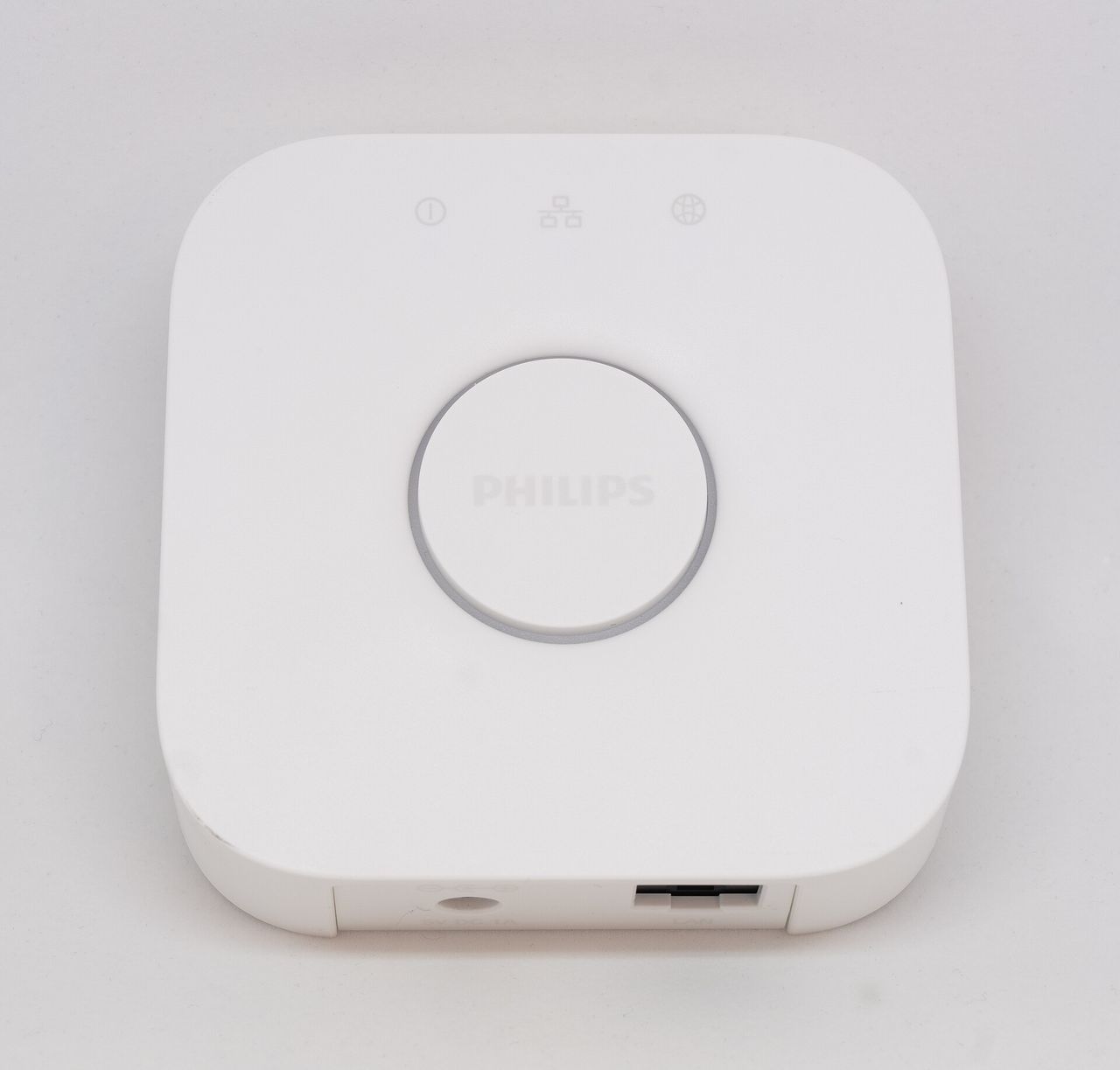
1. A Multiprotocol Hub with Local Execution
Connecting twenty individual smart devices directly to your home Wi-Fi router is a recipe for dropped connections and slow network speeds. Standard consumer routers are designed to handle high-bandwidth traffic like streaming video on a few screens, not dozens of low-power gadgets constantly broadcasting small data packets on the crowded 2.4 GHz spectrum.
A dedicated smart home hub creates an isolated, low-power mesh network for your peripherals. In 2026, the baseline expectation is a hub that supports Matter over Thread along with Zigbee 3.0. Popular options, such as an Apple TV 4K, HomePod mini, Nest Hub (2nd Gen), or an Aeotec Smart Home Hub, cost between $60 and $130 and handle device management quietly in the background.
The key feature to verify is local execution. Older and cheaper smart gadgets rely on cloud servers: when a motion sensor detects movement, it sends a signal across the internet to a vendor datacenter, which calculates the rule and sends a command back to your light bulb. That introduces noticeable lag and leaves your house dark if your internet service provider has an outage.
Modern Matter-compatible hubs store your core automation routines on onboard memory. If a storm cuts off your fiber connection, your hallway nightlight will still illuminate within 200 milliseconds of your footsteps hitting the floor.
2. In-Wall Smart Switches, Never Smart Bulbs
Novices almost always begin by replacing standard light bulbs with smart LED bulbs. It looks cheap and simple, but it introduces an unsolvable daily conflict: as soon as someone flips the physical wall switch off, the smart bulb loses power entirely. It drops offline, and neither automated schedules nor voice commands can wake it back up.
The proper fix is upgrading the wall switch itself. In-wall smart switches replace existing mechanical switches while letting you keep your standard light fixtures. Inside the switch, an electronically controlled relay handles the circuit. When you or a guest press the paddle, you get tactile physical feedback, but the switch remains powered and connected at all times.
Before ordering switches, check your home electrical wiring:
| Switch Configuration | Wiring Requirement | Core Advantage | Key Limitations & Cost |
|---|---|---|---|
| <strong>Neutral-Required Switch</strong> | Neutral wire (usually white bundle in back of box) | Rock-solid power, doubles as a mesh repeater, no minimum wattage | Standard in US homes built after 1985 (NEC 2011 mandate); $20, $45 per switch |
| <strong>No-Neutral Switch</strong> | Only Line and Load wires present in switch box | Installs in older homes without pulling new wiring | Slightly higher cost ($40, $60); low-wattage LEDs may flicker without a bypass capacitor |
If your house was built after 1985, you almost certainly have neutral wires tucked behind your wall plates. Installing a Decora-style smart switch from Lutron, Leviton, or TP-Link Kasa takes about fifteen minutes per room and permanently resolves the light-switch dilemma.
3. True Presence Sensors Over Basic Motion Detectors
With a hub acting as the brain and smart switches providing reliable muscle, your system needs eyes to trigger actions automatically.
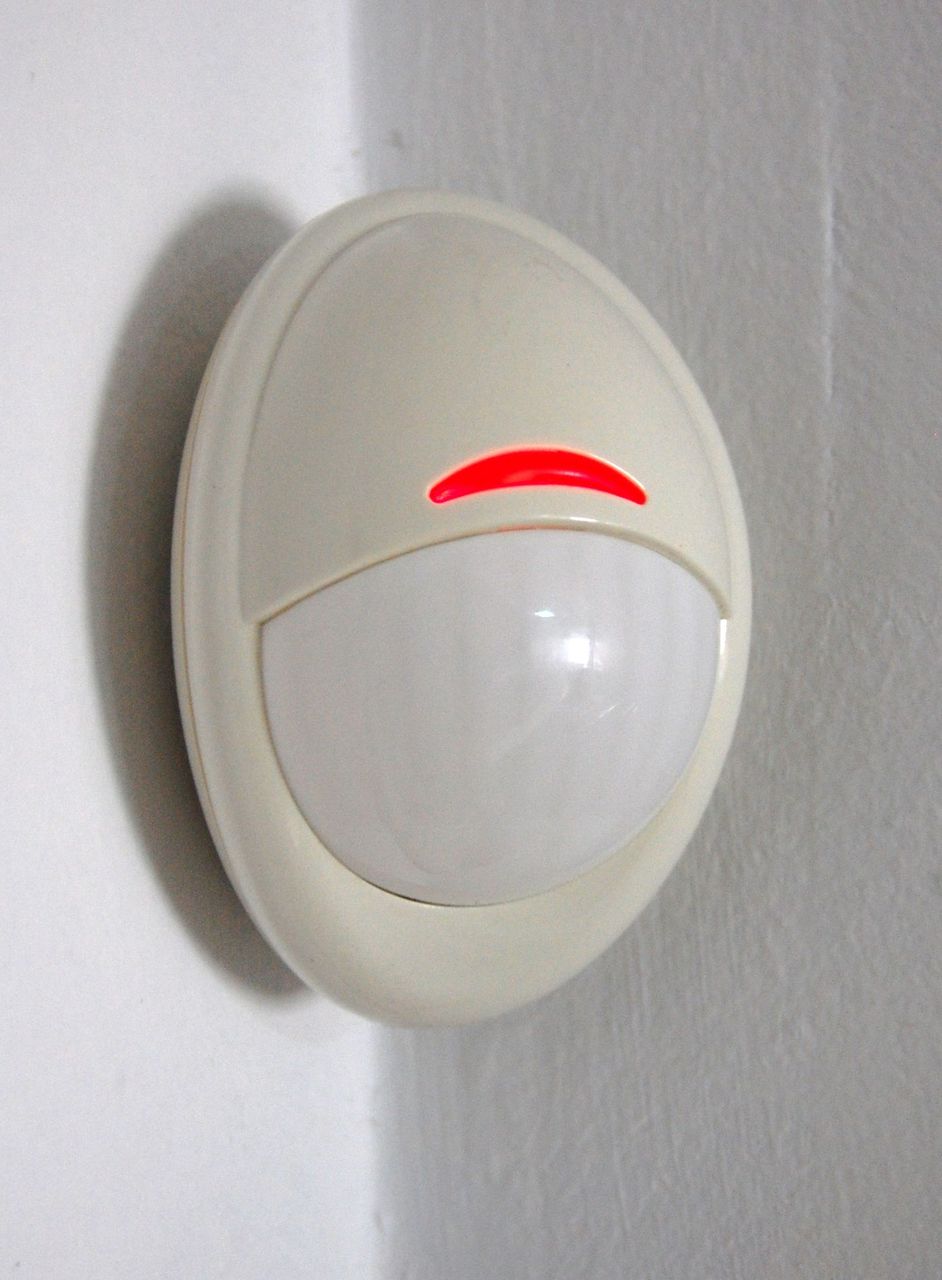
Basic Passive Infrared (PIR) motion sensors detect shifting heat signatures. They work fine in hallways or staircases where people walk past continuously. But place one in a home office or bathroom, and it fails quickly: the moment you sit down to read or work quietly, the sensor assumes the room is empty and plunges you into darkness.
The modern standard is pairing PIR detectors with millimeter-wave (mmWave) radar presence sensors:
- Hallways and Entryways: Use compact, battery-powered PIR sensors. Paired with a door contact sensor, they instantly illuminate the foyer when the front door opens after sunset and turn the light off after two minutes of inactivity.
- Bathrooms, Kitchens, and Workspaces: Use an mmWave radar sensor. These devices emit micro-frequency radar signals that track subtle chest movements from breathing. As long as someone is sitting at a desk or in the shower, the lights stay on without requiring frantic hand-waving.
To keep these automations practical, constrain them with lux (ambient light) thresholds and time windows. For instance, program hallway lights to activate only when ambient light drops below 15 lux, and set their brightness to 10% between 11:00 PM and 6:00 AM so midnight bathroom trips do not shock your night vision.
Gimmicks to Avoid When Starting Out
Building a reliable smart home is about incremental utility. Until your lighting and basic presence routines are operating smoothly, hold off on these common money-pits:
- Battery-Powered Motorized Blinds: Unless your window frames have pre-wired AC power, battery-driven roller blinds require climbing a ladder to recharge them via USB every few months, making them more chore than convenience.
- Wi-Fi Smart Plugs for Modern Appliances: Most modern air fryers, washing machines, and televisions use digital soft-touch power buttons. Cutting and restoring power at the outlet does not turn them back on, rendering smart plugs useless for true automation.
- In-Wall Android Touchscreens: Dedicated wall-mounted tablets often suffer from outdated Android versions, laggy interfaces, and poor audio. Walking across a room to tap a wall screen is slower than pressing a physical light switch.
Focus your initial budget on an capable Matter hub, three or four in-wall smart switches in high-traffic zones, and presence detection in key rooms. Keeping your initial investment under $300 will give your household dependable convenience rather than a collection of forgotten gadgets.