When you shop for a gaming laptop in 2026 with a budget anywhere between $1,200 and $2,500, the divide between a sleek four-pound machine and a five-and-a-half-pound desktop replacement comes down to three tangible realities. First, how hot your fingers feel on the keyboard during summer gaming sessions. Second, whether your cooling fans sound like a steady, low-pitched rush of air or a piercing, high-pitched whine. Third, how much your shoulder aches when you drop the laptop and its charging brick into a backpack. The extra thirty watts of graphics power and the small gap of seven frames per second that dominate specification sheets are the easiest things to forget once you actually start playing.
Many prospective buyers looking at retail listings see a graphics card power rating cut from 140W down to 105W and worry that a slim chassis will stutter through modern games. In the 2026 hardware landscape, modern mobile graphics silicon delivers the overwhelming majority of its performance once you feed it roughly 115W. Across modern titles, the actual frame rate gap between slim and thick chassis is far narrower than marketing brochures lead people to believe. Picking between a slim all-around gaming laptop and a heavy full-power machine is really about whether you want to save three pounds of daily carry weight in exchange for warmer keycaps and soldered memory that you cannot upgrade down the road.
Looking at current retail pricing across major outlets like Best Buy, Micro Center, and B&H, full-power desktop replacements offer strong performance value. Workhorse configurations like the Lenovo Legion Pro 5 and ASUS TUF Gaming 16 typically retail between $1,299 and $1,599, budget full-power machines like the Acer Nitro and Predator line sell from $1,099 to $1,399, while top-tier flagships like the Legion Pro 7i and ROG Strix Scar 16 sit between $1,999 and $2,499. Thin-and-light gaming laptops carry a price premium for their refined metal chassis and OLED panels. The Lenovo Legion Slim 7i typically sells between $1,699 and $1,999, the ASUS ROG Zephyrus G16 commands between $1,999 and $2,499, the ultra-premium Razer Blade 16 reaches $2,699 to $3,299, and compact fourteen-inch models like the ASUS ROG Zephyrus G14 sit between $1,499 and $1,799. Both categories compete directly across the $1,300 to $2,500 spectrum, but their physical engineering serves completely different routines.
Why 105W to 115W TGP limits on slim laptops only cost 8% to 15% in 1440p frame rates
Across comprehensive real-world benchmarks conducted at the standard 2560x1600 resolution found on modern sixteen-inch gaming displays, capping total graphics power between 105W and 115W results in an average frame rate penalty of just 8% to 15% compared to an uncapped 140W or 175W configuration. In graphics-heavy titles like Black Myth Wukong and Cyberpunk 2077 running at 1440p high settings with upscaling enabled, a full-power desktop replacement averaging 69 frames per second only outpaces a sleek 115W laptop holding steady at 62 frames per second. Side by side on a desk during intense combat encounters, the human eye cannot tell the difference between 62 frames per second and 69 frames per second. Both machines feel completely smooth and responsive.
Modern mobile graphics silicon hits diminishing returns once power climbs beyond 115W. Pushing clock frequencies higher past that mark requires large voltage increases, yielding tiny gains in visible frame rates. Many heavy gaming laptops advertise peak graphics ratings of 140W or 175W, but during sustained gaming sessions lasting longer than thirty minutes, that extra power draw rarely turns into noticeable fluidity. Instead, most of those extra twenty or thirty watts simply turn into hot exhaust air that blows out of the heatsink fins.
Comparing two machines running the exact same mobile graphics silicon, such as a 115W ASUS ROG Zephyrus G16 and a 140W Lenovo Legion Pro 5, reveals that both deliver gameplay in the exact same tier across modern releases. A thin-and-light laptop does not become an underpowered office computer just because its chassis lost one pound of metal and copper. Provided you keep the resolution at 1440p and choose sensible graphical settings, both chassis designs provide plenty of graphics muscle to satisfy dedicated gamers.
| Chassis Category and Form Factor | Representative Models and Retail Prices | Total Graphics Power (TGP) | 1440p Gaming Average Frame Rates | Keyboard WASD Surface Temperature | Fan Acoustic Profile at Full Load | Internal Memory Architecture | Bare Machine Weight |
|---|---|---|---|---|---|---|---|
| Full-Power Workhorse (5.5 lb class) | Legion Pro 5 ($1,299 to $1,599), TUF Gaming 16 ($1,199 to $1,499), Legion Pro 7i ($1,999 to $2,499) | 140W to 175W sustained | 68 to 73 FPS (maximum sustained output) | 34°C to 37°C (cool and comfortable to touch) | 4400 RPM deep low-pitch airflow whoosh | Dual SO-DIMM slots (easy $50 aftermarket upgrade) | Approx. 5.6 lbs (2.55 kg) |
| Thin-and-Light Gaming (4 lb class) | Zephyrus G16 ($1,999 to $2,499), Legion Slim 7i ($1,699 to $1,999), Zephyrus G14 ($1,499 to $1,799) | 105W to 115W sustained | 60 to 64 FPS (smooth high preset) | 42°C to 46°C (noticeably warm and toasty) | 5800 RPM high-pitch aerodynamic whine | Soldered LPDDR5X (permanently non-upgradable) | Approx. 4.0 lbs (1.80 kg) |
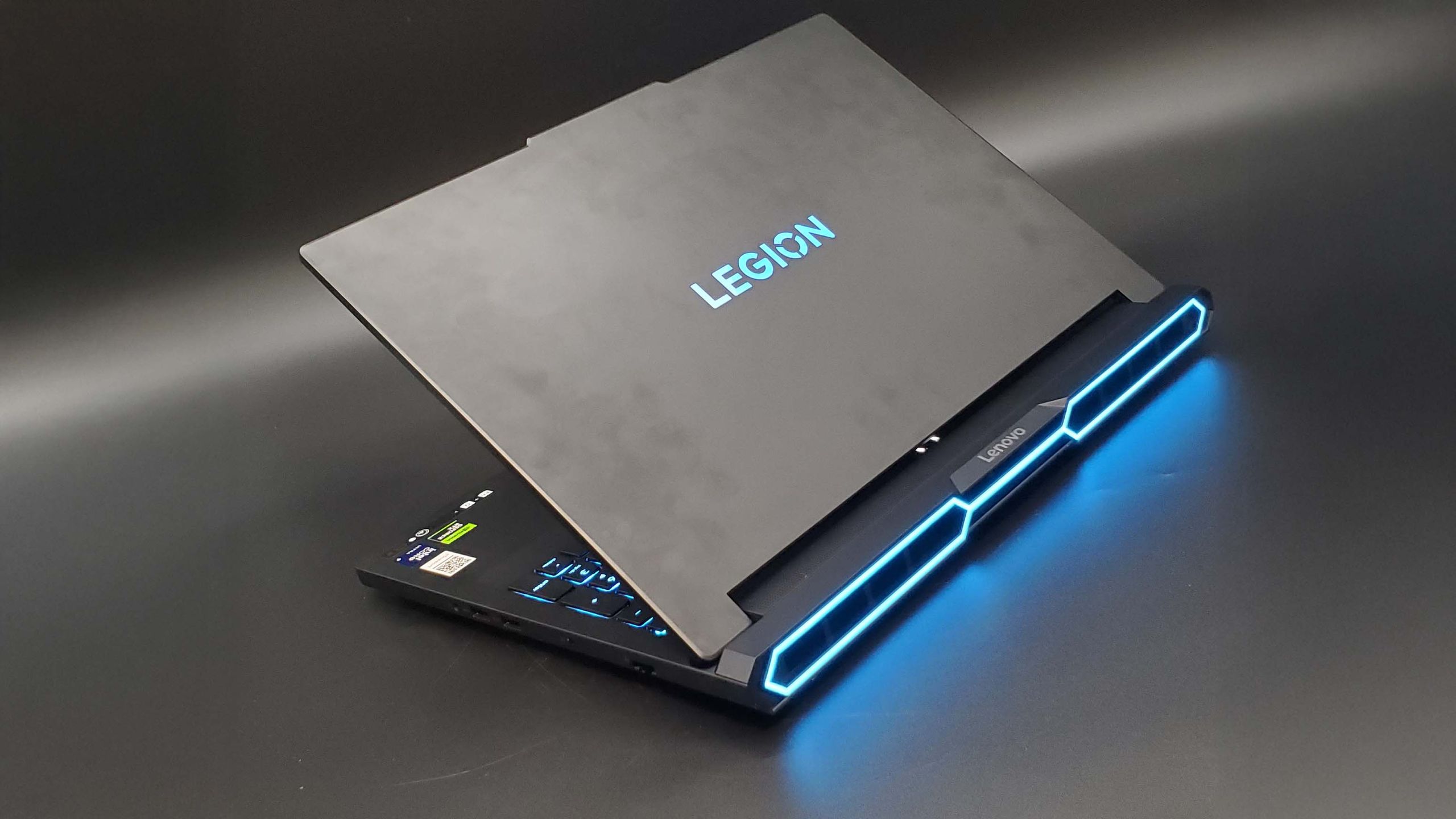
Where thin chassis actually compromise: WASD surface temperatures, fan pitch, and soldered memory
If thin laptops can deliver fluid gaming with lower weight, why do thick desktop replacements continue to sell in huge numbers? The answer lies in what you give up by shaving off that half-kilo of chassis thickness. To compress a machine down to sixteen or eighteen millimeters, engineers place vapor chambers and heat spreaders right underneath the aluminum top deck. When you run a demanding game for more than thirty minutes, heat soaks directly into the keyboard surface. Thermal imaging tests show that the WASD cluster on an ASUS ROG Zephyrus G16 climbs to roughly 45°C during summer gaming. Resting your fingers on those keycaps feels noticeably hot, causing sweaty palms and finger fatigue if you do not plug in an external keyboard.
Thick desktop replacements handle heat much better because their twenty-six-millimeter thickness leaves room for deep airflow channels. Machines like the Lenovo Legion Pro 5 and ASUS TUF Gaming draw cooling air directly beneath the key clusters and include internal insulation layers that block heat from rising upward. Even after an hour of heavy gaming in a warm room, the WASD zone on a Legion Pro stays around 36°C. That is right around normal skin temperature, making the keys feel pleasantly cool so you can game for hours in complete comfort.
Acoustic pitch creates an equally noticeable everyday difference. Thin laptops have tight internal clearance, so they cannot fit large-diameter fan impellers. To move enough air through dense heatsink fins, their small blower fans must spin at 5800 RPM or faster. Those small, ultra-fast fans produce a shrill, piercing acoustic whine above 2500Hz. Even when a decibel meter reads a moderate 50 decibels, that high-frequency whistle cuts through the room and becomes grating if you play without headphones. Thick gaming laptops fit larger fan blades that spin at a relaxed 4400 RPM. They push air with a deep, low-pitched whoosh that blends naturally into ambient room noise, making speaker gaming far more enjoyable.
Memory expansion is another crucial detail that determines how many years your laptop will last. To save internal height and fit larger 90-watt-hour batteries, thin machines like the Zephyrus G16 solder memory chips directly onto the logic board, leaving zero physical slots. If you buy a baseline model with 16GB of RAM, you are permanently stuck with that amount. Two or three years from now, when heavier game mods or video editing projects require 32GB or 64GB, you cannot upgrade and must replace the whole laptop. Full-power rigs like the Legion Pro 5 and TUF Gaming preserve two standard SO-DIMM memory slots under metal shields. If you need more memory in three years, you can spend fifty dollars on a fresh RAM stick, take off the bottom panel, pop it in, and extend your computer's lifespan for years.
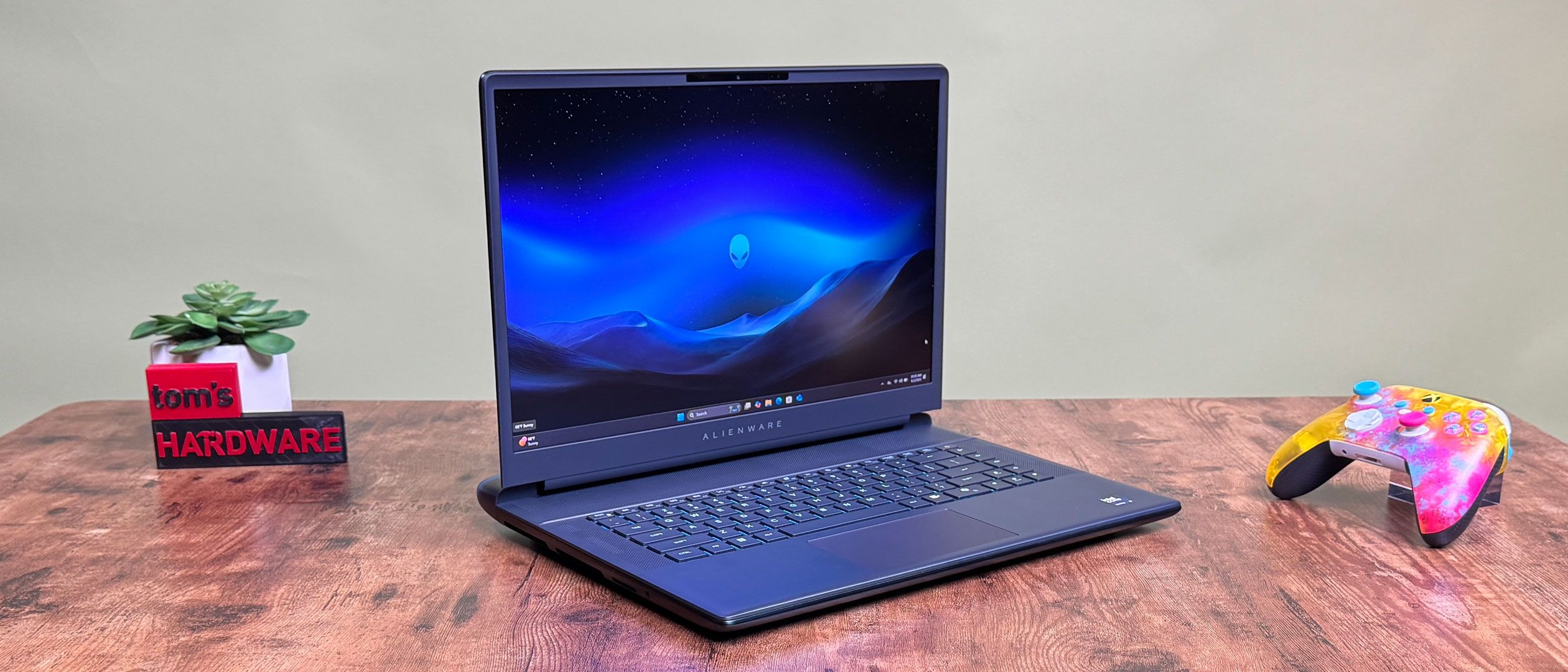
Factoring in the power brick weight when picking between Zephyrus, Razer Blade, and full-size Legion rigs
Looking only at bare laptop chassis weights makes the gap seem minor. A four-pound thin laptop compared to a 5.6-pound thick laptop sounds like a difference of only one and a half pounds, roughly the weight of a single water bottle. But in real life, taking a gaming laptop away from your desk means packing its charging gear, and that is where the real travel burden appears.
To supply 140W to the graphics card and over 80W to the processor, full-power laptops include massive 300W or 330W charging bricks. When you include the thick grounded power cord, that charging brick weighs nearly two pounds (0.9 kilograms) on a kitchen scale. Putting a 5.6-pound laptop and a two-pound power brick into your backpack brings your total carry weight to 7.6 pounds. Carrying almost eight pounds on your shoulders through a subway commute or across a sprawling campus creates severe fatigue.
Thin-and-light gaming laptops change travel completely because they support universal 100W USB-C Power Delivery charging. If you are heading to a library, a college lecture, or a coffee shop to take notes and browse the web, you do not need to pack the heavy factory power brick. You can slide a tiny 200-gram (0.45-pound) 100W dual-port GaN charger into your pocket, powering both your laptop and your smartphone from one plug. In that daily routine, your laptop and charger combine for just 4.4 pounds. Compared to hauling an eight-pound full-power setup, your backpack is lighter by more than three full pounds.
Your routine should decide which machine you buy. If you carry your laptop in a backpack several days each week to classes, coworking spaces, or client meetings, and you plug into an external monitor and keyboard when you get home, picking an ASUS ROG Zephyrus G16, Lenovo Legion Slim 7i, or Zephyrus G14 makes far more sense. You save your back every day, and you will never miss the small 10% frame rate difference during real gameplay. But if your laptop spends nine out of ten days resting on your desk, and you care about cool WASD keys, quiet low-pitch fans, and the freedom to add extra RAM for fifty dollars down the road, buy a full-power workhorse like the Lenovo Legion Pro 5, ASUS TUF Gaming, or Legion Pro 7i. Spending your budget on heavy cooling and easy upgrades will give you a far more comfortable machine for years to come.