Two laptops can both say RTX 5070 on the box and still be $700 apart. Most of that gap is power and screen. A GPU running at its full 115W and one held to 85W in a thin chassis perform like different cards, and moving from a dim 1080p panel to a fast 1600p one costs real money too.

What each price range buys
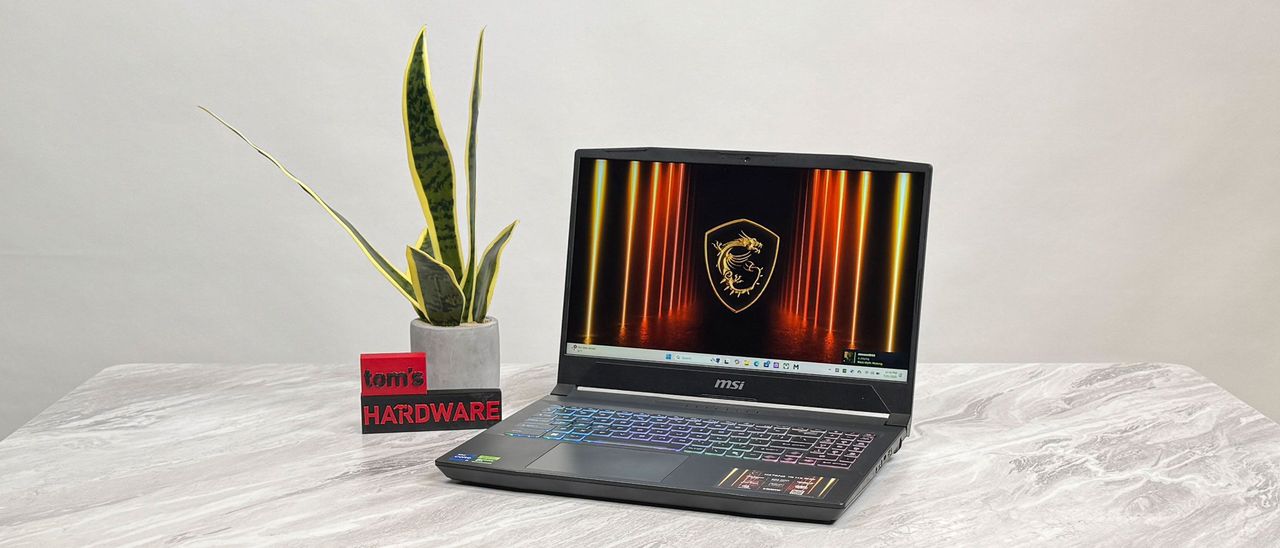
Around $800–$1,000, the standard build is an RTX 5050 with a 1080p 144Hz panel. The MSI Katana 15 HX that Tom's Hardware tested at $999.99 is typical: a 14th-gen Core i7 HX and an RTX 5050 that handles esports and runs AAA games at medium settings in 1080p. Lenovo's LOQ 15 Gen 10 is PCGamer's pick for best budget laptop this generation, with strong RTX 5060 performance for the price despite shipping with a single stick of RAM. The weak spot at this price is the screen. The Katana's panel measured just 257 nits and 69% of sRGB, and most laptops here have the same problem.
From $1,300 to $1,700, GPUs move up to the RTX 5060 and 5070, and screens go to 2560×1600 at 165Hz or faster. The Gigabyte Aorus 16X at $1,599 pairs an RTX 4070 with a sharp 165Hz 2K display, and Acer's Triton 14 AI fits an RTX 5070 and an OLED panel into a 3.5-pound body. Acer's Nitro V shows what to avoid: it's cheaper at $1,299, but its RTX 5060 is capped at 85W, it runs a last-gen Ryzen 7 260, and similarly priced machines beat it. At this price, a 1080p screen is a downgrade, since these GPUs can drive 2K.
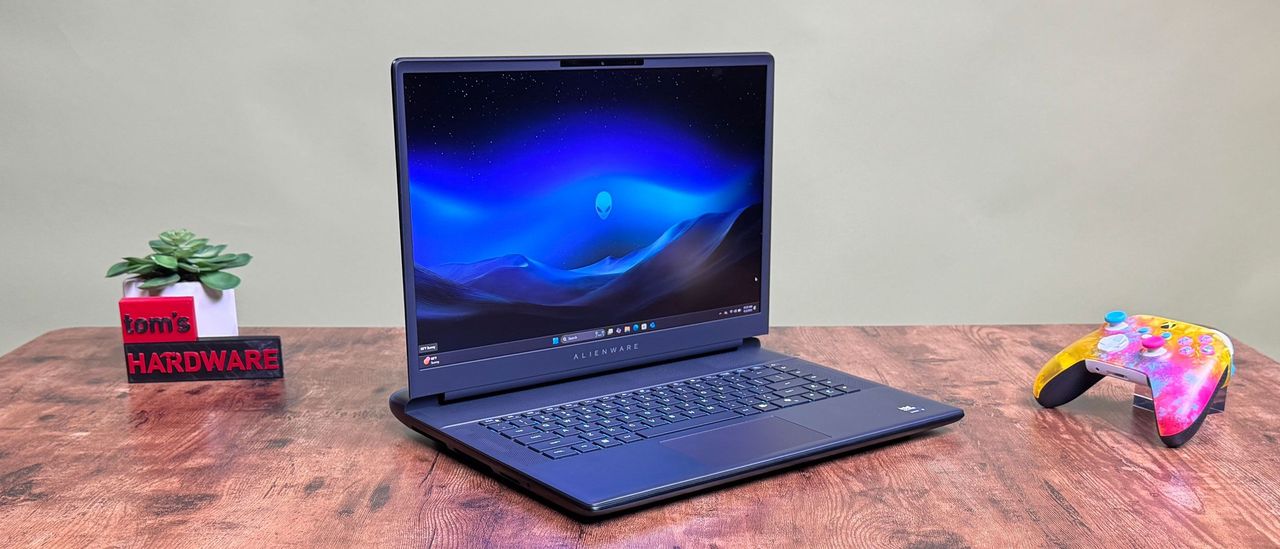
From $2,000 to $2,800, expect an RTX 5080 and a 2560×1600 240Hz panel. The Alienware 16 Area-51 tested with exactly that setup and outscored some RTX 5090 laptops, for reasons covered in the next section. If you want something smaller, Acer's Predator Helios Neo Slim 14 handles 1600p gaming in a 14.5-inch chassis and has Thunderbolt 4.
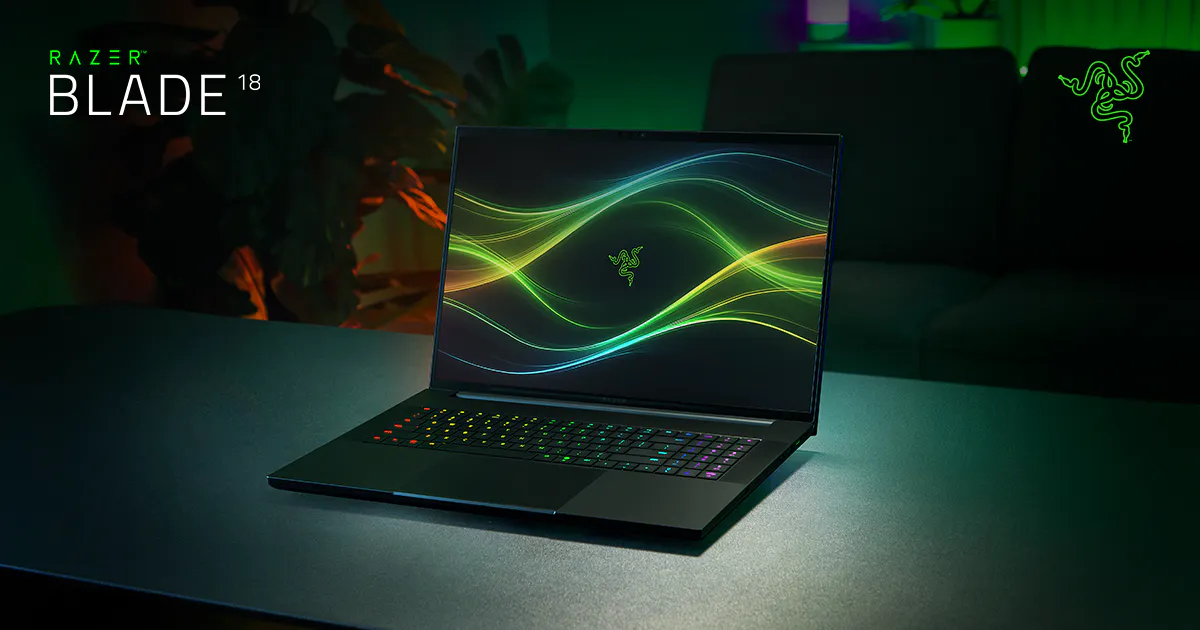
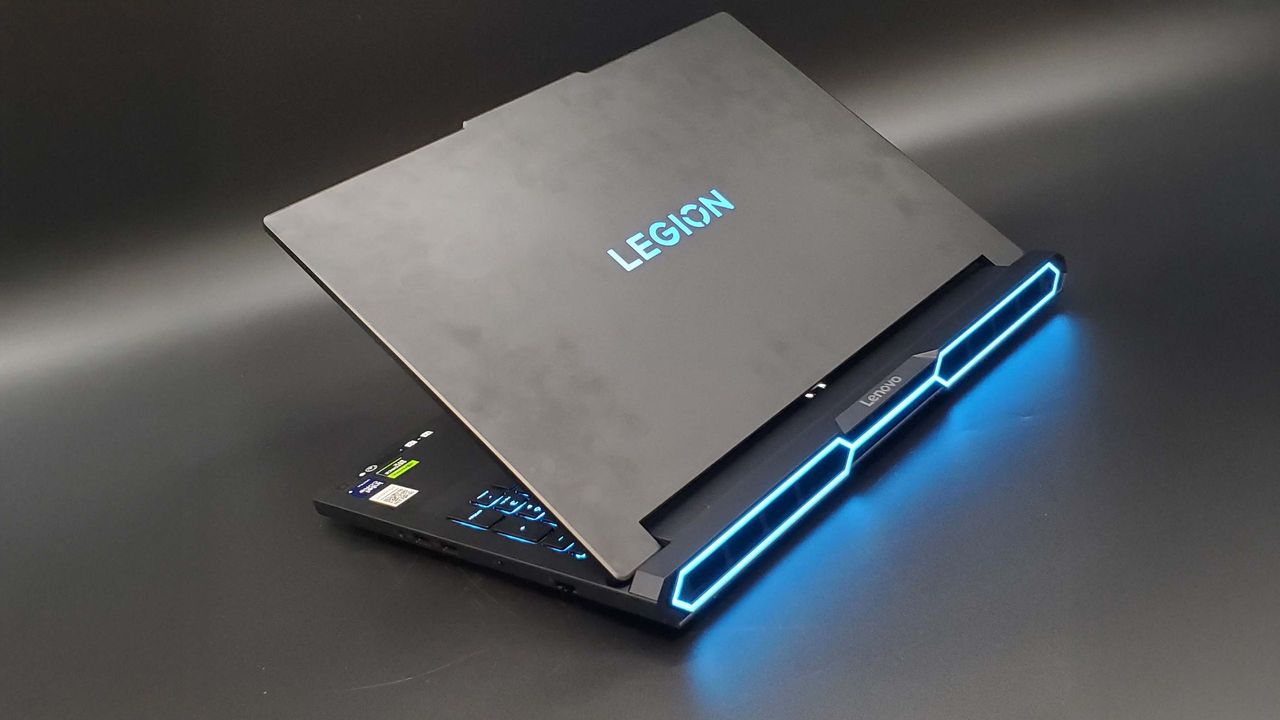
At $3,500 and up you're in flagship territory. Razer's Blade 18 starts at $4,000 with a dual-mode display that switches between 3840×2400 at 240Hz and 1920×1200 at 440Hz. In PCGamer's testing, though, Lenovo's cheaper Legion Pro 7i Gen 10 outperformed Razer's RTX 5090 Blade. At this level you're paying for headroom and the best screens, not value.
Why the same GPU performs differently
Laptop GPUs share names with desktop cards, but each one is also split by TGP, the total graphics power the laptop allows. An RTX 5070 running at 115W and one held to 70W in a thin chassis can differ by more than 20% in frame rate, because a slim body can't cool the full power draw for long. That's how the Alienware's RTX 5080 beat a Blade 16's RTX 5090 in testing: it had a higher power ceiling and a stronger CPU.
When you compare laptops, the GPU wattage on the spec sheet tells you more than the GPU name. If a model doesn't list its TGP, it's usually the low-power version.
Is a better screen worth it?
Screens vary more by price than any other part this year. Budget laptops still ship dim 1080p panels, mid-range ones have fast 2K IPS, and premium models add OLED and dual-mode displays. OLED is worth it if you mostly play big single-player games where visuals matter. If you mostly play esports titles, a 240Hz IPS panel is better and cheaper. On a budget laptop, skip RGB lighting and mechanical-keyboard upgrades and put the money toward GPU wattage.
Picking by budget
At $800–$1,000, get the RTX 5050 and favor models with a good cooling reputation. Around $1,500, look for an RTX 5060 or 5070 with a 2K screen; this is where most people get the best deal. At $2,000 and up, look for an RTX 5080 running at full wattage, and past $2,500 you're shopping for a 5090 and a flagship display. At any price, the laptop with the higher listed TGP is usually the better buy, and one that won't tell you its wattage usually isn't.
Sources: Tom's Hardware gaming laptop test bench (Katana 15 HX, Nitro V, Aorus 16X, Triton 14 AI, Helios Neo Slim 14, Alienware 16, Blade 18; tested prices and configs), PCGamer buying guide (LOQ 15, Legion Pro 7i). Prices are as tested or MSRP in late September 2026 and change with sales.